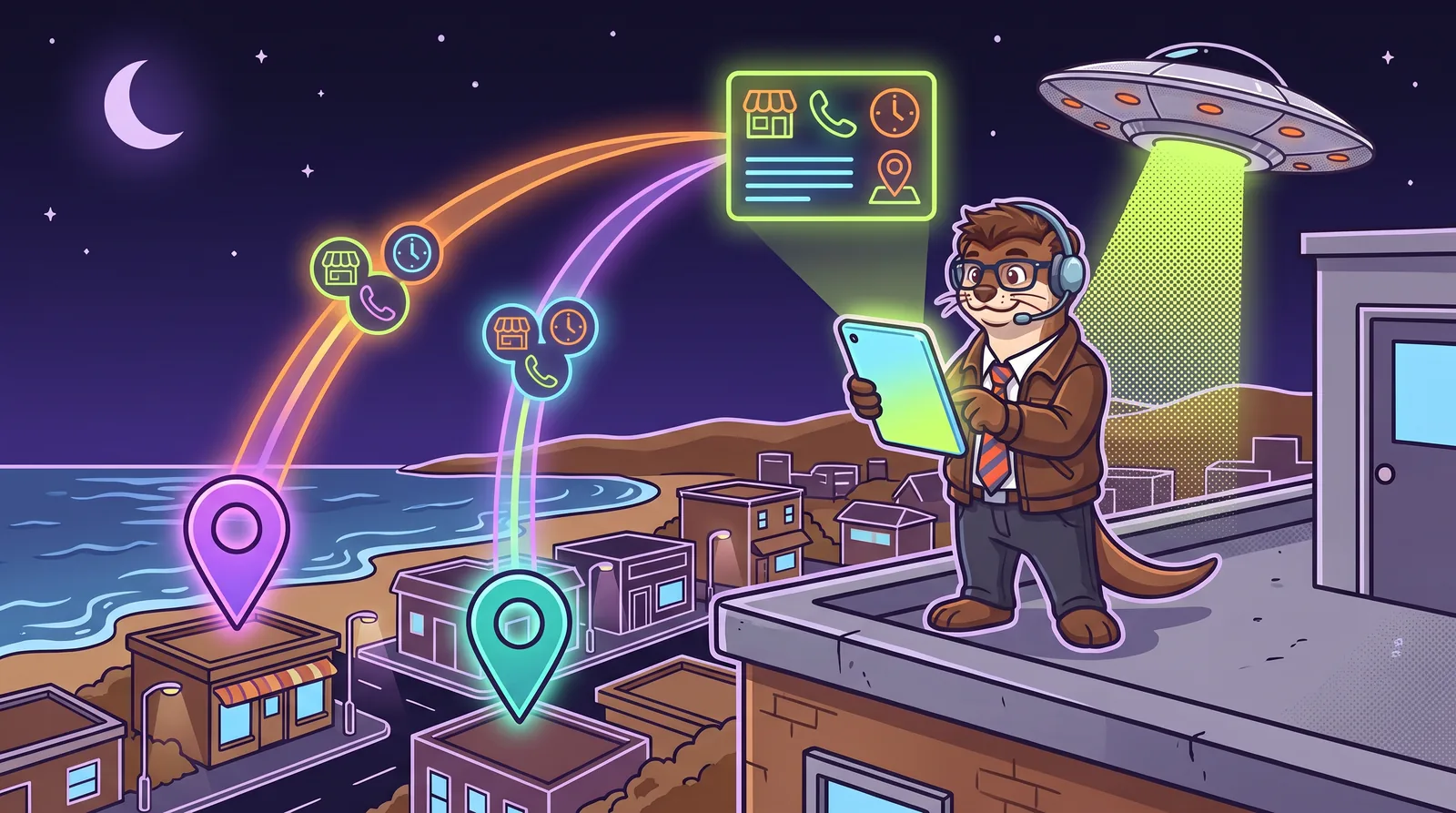


For years the advice has been simple: set up your Google Business Profile. Now ChatGPT has its own version, and the obvious question is whether it’s one more thing to keep up with. Short answer: it’s worth claiming, but it doesn’t replace Google and it doesn’t come first.
The three listings at a glance
Google Business Profile
Google Search, Google Maps and Gemini
Free. Your listing in the map results, with hours, photos, reviews and a Call button. Google says Gemini uses public information from Google Maps, much of which comes from these profiles.
Bing Places for Business
Bing search and Bing Maps
Free, and it can import your Google profile. Microsoft says Bing and Copilot share the same crawling, indexing and ranking foundation.
ChatGPT business profile
ChatGPT, in beta since November 2026
Free at launch. Lets you claim the profile ChatGPT shows when it names you, correct your details, and see mentions and clicks.
Who can claim each one
- Google: claim your existing listing on Google Maps, or add a new one at business.google.com.
- Bing: claim or create a listing yourself, or import it from Google.
- ChatGPT: OpenAI says claiming is initially open to eligible businesses with a website. Local stores and restaurants can only claim a U.S. listing ChatGPT already has, so a shop that isn’t in ChatGPT yet has to wait.
Your address: the setting that matters most
- Google: hide it if customers don’t come to you. Google says the address on a Business Profile is public.
- Bing: you can hide it once you’ve added your service areas, up to 20 of them.
- ChatGPT: not explained yet. OpenAI’s rules list “address or service area” among a profile’s details, but its help page doesn’t say how to hide an address.
The pros and cons, side by side:
- Showing your address (storefront): customers get a pin and directions, and people can find you in person. The tradeoff is that anyone can see it.
- Hiding it (service area): your home stays private and your listing shows the towns you cover. The tradeoff is no directions, and on ChatGPT you may have to wait until OpenAI explains how service areas work.
Proving it’s yours
- Google decides which methods to offer: a call or text, an email, a video or sometimes a postcard.
- Bing sends a PIN by phone, text, email or postcard, or verifies you automatically if you import a verified Google profile.
- ChatGPT offers a code to your business phone or email, a record added to your domain’s settings, or a Shopify connection. Then the person managing the profile passes an identity check with Persona, which can ask for a government ID.
What you get back
- Google: a listing customers act on directly, with reviews you can reply to, photos and updates.
- Bing: the same kind of listing for Bing’s users. While you’re there, Bing Webmaster Tools has a free report that shows when Copilot cites your pages.
- ChatGPT: mentions, website clicks and common topics over the past 28 days, plus a blue check once your identity is verified. OpenAI’s help page doesn’t mention reviews or posts.
Which one first?
- 1Google Business ProfileIt feeds Search, Maps and Gemini, and Bing can copy it. Get your address setting right here first.
- 2Your websiteChatGPT only lets businesses with a website claim for now, and all three of these companies read websites to learn about you.
- 3Bing PlacesImport it from Google. Bing says publishing typically takes one to two weeks.
- 4ChatGPT business profileClaim it with the same name, address and phone you used everywhere else.
Step-by-step guides for each: setting up your Google Business Profile, setting up Bing Places and claiming your ChatGPT business profile.
So, do you need the ChatGPT one?
If ChatGPT already has a listing for you, claiming it costs nothing at launch and lets you fix what’s wrong. Two reasons to hold off: you work from home and ChatGPT shows your street address (ask OpenAI Support first), or you run a shop ChatGPT doesn’t list yet (local businesses can’t add one for now).
Just don’t expect it to move you up. OpenAI says ChatGPT keeps making its own recommendations. What helps there is what helps everywhere: a clear website, listings that match, and real reviews. More in how to get recommended by ChatGPT.
Accurate as of November 2026. The companies and services named in this guide change their tools and rules often, so check their own help pages before acting on anything here. This is general information, not legal or professional advice, and Widget Weasel isn’t affiliated with or endorsed by any company it mentions.