
Why reviews matter so much locally
Google says more reviews and positive ratings can help your local ranking. They also do your selling: someone choosing between three plumbers on a map is reading what other customers said about each one. Recent reviews tell people you’re still open and still good, which is why asking has to be a habit, not a one-time push. If you haven’t set up your listing properly yet, start with the Google Business Profile guide.
How to ask
- 1Ask everyoneEvery customer, every time, the same way. Google’s rules forbid selectively asking for positive reviews or discouraging negative ones. Filtering who gets asked is called review gating.
- 2Ask while it’s freshRight after the job is done or the meal is over. Don’t stand over people, though: Google says not to pressure customers to leave a review while they’re on your premises.
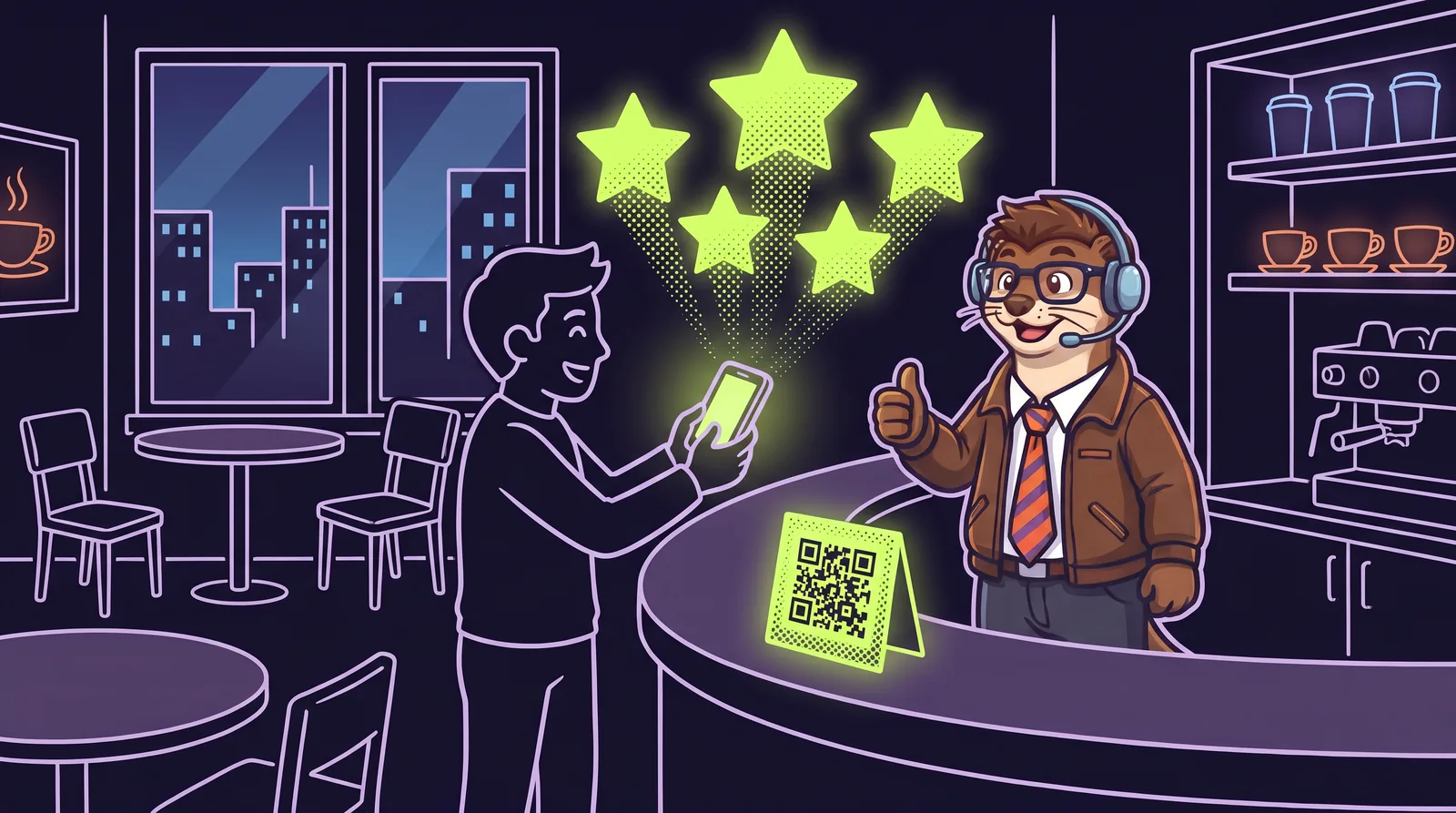
- 3Make it one tapOn a computer, open your Business Profile, choose Read reviews, then Get more reviews. Copy the short link or save the QR code. Google says the QR code can only be made from a computer browser, not a phone.
- 4Put the link where customers already areReceipts, invoices, thank-you emails, follow-up texts and a small sign by the register. Google suggests the same kinds of places.
What Google and the FTC don’t allow
- Rewards for reviews. Google bans offering payment, discounts, free goods or services in exchange for a review, for changing a review, or for removing a bad one.
- Asking only happy customers, or steering unhappy ones somewhere else.
- Reviews from your staff, past staff, or anyone else with a conflict of interest. Google also says not to ask staff to collect a set number of reviews.
- Fake reviews, bought reviews, or reviews posted on a competitor’s listing to hurt them.
- Under the FTC’s rule on consumer reviews, which took effect October 21, 2024, businesses can’t create or buy fake reviews or pay for reviews that have to say something positive or negative, and the FTC can seek civil penalties from those who knowingly break it (FTC questions and answers).
Replying to good and bad reviews
Reply as the owner, briefly and like a person. Google’s own tips: keep replies short and helpful, don’t paste the same thank-you under every review, and don’t use replies to push deals.
For a bad review, take a breath first. Don’t argue or get personal, and never share the customer’s private details. Apologize if you got it wrong. If you didn’t, explain what you can and can’t do without accepting blame for things outside your control, and offer to sort it out privately. Your reply is really for the next customer reading it.
Fake reviews and review extortion
Google only removes reviews that break its policies. A review you simply disagree with stays up. To report one, open your reviews and use the report option next to it, or use Google’s Reviews Management Tool, which also lets you check on reports you’ve made. Google says assessing a report can take several days.
A nastier scam pairs a sudden pile of one-star reviews with a message demanding money to make them stop. Google’s advice is plain: don’t engage and don’t pay. Report it on Google’s merchant extortion report form (Google’s instructions) with screenshots of the demands, links to the fake reviews, and when it started. The small business scams guide covers this and the other usual suspects.
Accurate as of October 2026. The companies and services named in this guide change their tools and rules often, so check their own help pages before acting on anything here. This is general information, not legal or professional advice, and Widget Weasel isn’t affiliated with or endorsed by any company it mentions.